 Table of Contents
Table of Contents
Table of Contents
|
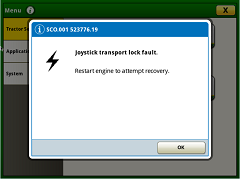
Alert — A user interface element that is normally triggered by a diagnostic trouble code (DTC) and communicates the DTC information to the user.
|
|
|
[Information Alert] — A condition has been detected that may degrade performance of certain functions. |
|
|
The machine or equipment:
The operator should:
|
|
|
[Service Alert] — A condition exists which requires operator action to avoid damage, a potential hazard, or significant performance reduction. |
|
|
The machine or equipment:
The operator should:
|
|
|
[Stop Alert] — A serious or hazardous condition exists which requires operator action. |
|
|
The machine or equipment:
The operator should:
|
|
|
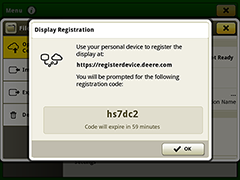
Message — A user interface element that communicates information to the user and prompts them for a response. It may display as a small or full screen window.
|
|
|
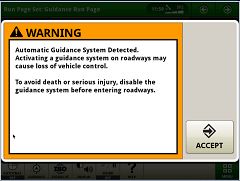
Safety Warning — A user interface element that may display as a small or full screen window.
|
|
|
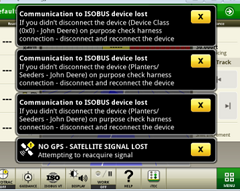
Window Shade Message — A user interface element that drops down from the top of the screen and usually goes away after a few seconds so that it does not block the user interface. |
|